Camera Remote

Search documents
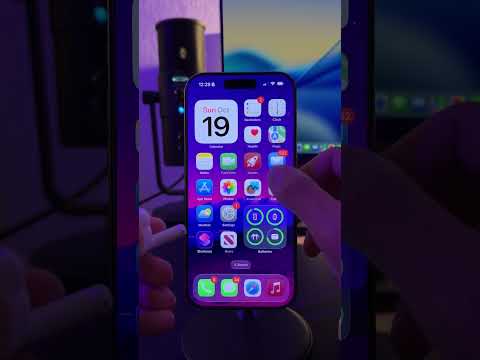
Turn your AirPods into a camera remote for iPhone. #Shorts
Apple· 2026-02-06 17:38
Did you know you can now use your AirPods to take a photo. Go to Settings, then open your Air Pods options. Scroll down and you will see an option called Camera Remote, tap on press once.Now when you are in the Camera App, simply press one of your AirPods like you would to pause your music. Your iPhone will automatically take a photo. This is super useful if you want to take group pictures from a distance.♪ ♪. ...