Screen mirroring

Search documents
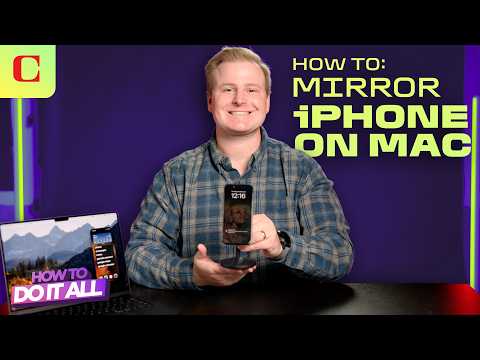
iPhone Mirroring: The EASIEST Way to Use Your iPhone on Your Mac (iOS 18 + MacOS Sequoia)
CNET· 2025-11-01 12:00
Functionality Overview - iPhone mirroring allows users to seamlessly transfer files, videos, and photos between their iPhone and Mac using supported apps, eliminating the need for AirDrop [4] - Users can access and utilize iPhone apps on their Mac, offering a better experience compared to website versions, as demonstrated with the Alltrails app [5][6] System Requirements and Setup - The iPhone mirroring feature requires macOS Sequoia on the Mac and iOS 18 or iOS 26 on the iPhone; specific compatible devices are listed [1] - Users need to be logged into the same Apple account on both devices with Bluetooth enabled to use the iPhone mirroring app on Mac [2] - The initial connection requires entering the device passcode and approving the connection on the iPhone, but this security prompt can be bypassed in settings [2][3] Alternative Solutions - For users with Windows PCs, outdated Macs, or outdated iPhones, alternative methods exist to utilize the mirroring feature, though they may require more steps [7][8]