AI画图

Search documents
马斯克圣诞礼物:X上所有图片都能一键AI改图了,全球画师暴怒
机器之心· 2025-12-27 02:45
Core Viewpoint - The introduction of Grok AI's image editing capabilities on the X platform marks a significant shift towards generative creative platforms, allowing users to edit images directly and even convert static images into short videos, which could disrupt traditional content creation and artistic professions [2][3][11]. Group 1: New Features and Capabilities - The X platform has added a "Edit Image" option for all images, utilizing the Grok AI model, enabling users to edit any image they see on the platform [2]. - Grok AI can transform static images into 6-15 second videos, automatically animating elements like blinking and background movements, enhancing user engagement [3]. - The new editing tools have led to a surge in user-generated content, with many users experimenting with the new features [11]. Group 2: Impact on Creators - The new features are seen as a threat to artists, as their original works can be easily edited by others without consent, leading to concerns about the devaluation of artistic labor [11][22]. - Prominent artists have expressed their dissatisfaction, indicating that they may stop sharing their work on the platform due to the lack of control over how their images are used [22]. - The platform's updated terms of service allow for the use of user-generated content for machine learning purposes, raising further concerns among creators about the exploitation of their work [22]. Group 3: User Concerns and Reactions - Users have raised alarms about the potential misuse of the AI editing feature, which allows anyone to edit images of real people, including personal photos, without consent [19]. - There is currently no option to disable the AI editing feature, leading to frustration among users who feel their privacy and rights are compromised [22]. - Suggestions have been made to upload images in formats like GIF to prevent editing, although this may reduce image quality [23].

你还在 draw.io 里拖拖拽拽?一句话让架构图自己长出来~
菜鸟教程· 2025-12-08 03:30
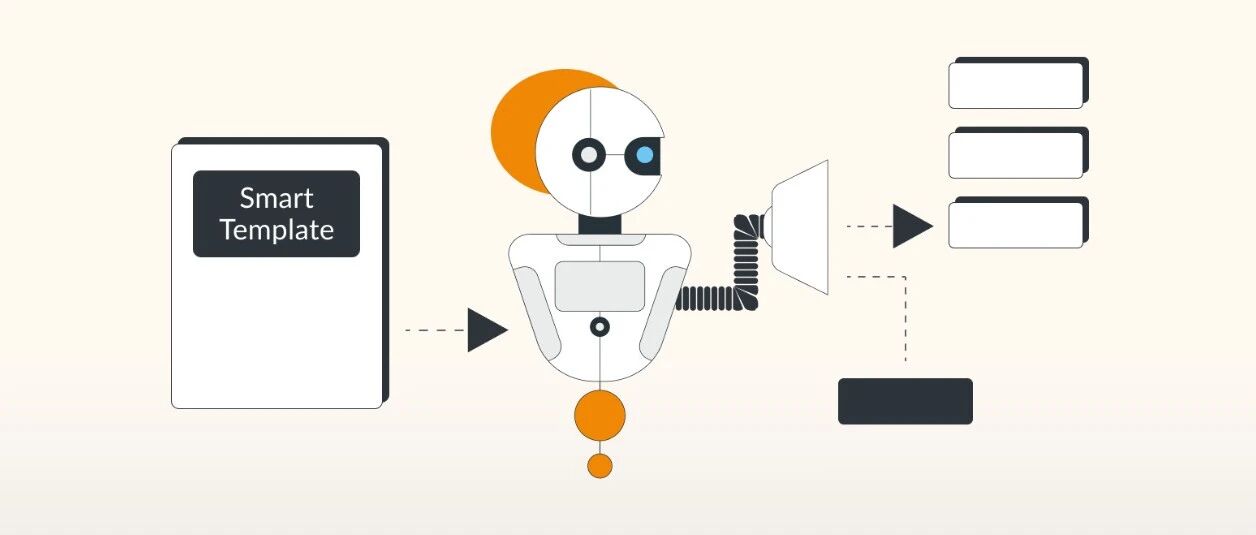
Core Viewpoint - The article introduces Next AI Draw.io, an AI-powered tool that automates the process of creating and modifying diagrams in draw.io, significantly enhancing efficiency and user experience [2][7]. Group 1: Product Overview - Next AI Draw.io allows users to generate diagrams by simply describing what they need, such as "draw a Transformer architecture diagram with animated connectors" [7]. - The tool can also reconstruct existing diagrams by uploading an image and requesting modifications, such as changing components or adding new elements [9]. - It features a history tracking system that allows users to revert to previous versions of their diagrams, providing a safety net for users [10]. Group 2: Key Features - The tool utilizes large language models (LLMs) to directly generate draw.io XML, enabling users to focus on verbal instructions while the AI handles the drawing [10]. - Users can upload images to automatically recreate editable diagrams, ensuring that lines and layouts are neat and organized [10]. - An interactive chat interface allows for real-time updates and modifications to diagrams, such as adding nodes or changing database types [10]. Group 3: Technical Details - Next AI Draw.io supports various LLMs, including AWS Bedrock, OpenAI, and Google AI, which can be configured through a local environment file [17]. - The application is built using Next.js for the frontend and integrates with Vercel AI SDK for streaming AI responses [19]. - Installation options include a one-click Docker setup or a manual installation process, providing flexibility for users [24][26].