Apple Developer

Search documents
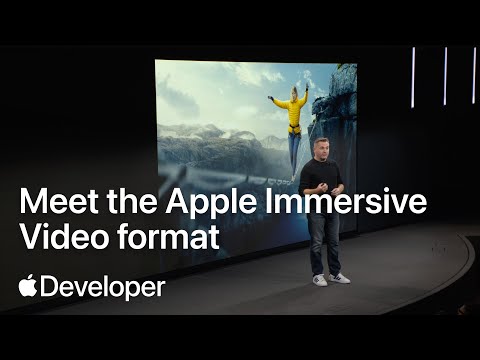
Meet the Apple Immersive Video format | Meet with Apple
Apple Developer· 2025-12-03 20:52
Apple Immersive Video (AIV) Key Features - AIV aims for perfect fidelity, targeting 20/20 vision (60 pixels per degree) and a field of view between 180 and 230 degrees [3][4][20] - AIV uses dynamic bespoke projection, eliminating the need for lat long conversion, saving production time and storage space [5][6] - AIV emphasizes world scale, using accurate lens calibration data (ELPD file, approximately 50kB) to avoid warping and stitching artifacts [7][8][9] AIV Technical Specifications and Workflow - AIV capture and playback occur at a minimum of 90 frames per second and 7200x7200 resolution per eye, resulting in a 44x increase in pixels compared to 4K [11][12] - AIV production format uses ProRes, uncompressed, or Raw, while delivery format uses a lightweight video track (MV-HEVC) and Apple Positional Audio Codec (APAC) [27][28][29] - AIV ecosystem is designed for simplicity, with all-in-one cameras, 2D-like editing workflows, and a streamlined encode and delivery pipeline [21][22] AIV Acuity and Delivery - AIV uses acuity (pixels per degree) as a key metric, targeting 60 pixels per degree to achieve a sense of presence [16][20] - AIV employs foveation, a special imaging process, and MV-HEVC tuned encoders to preserve acuity while reducing image sizes for efficient delivery (target delivery size of 4320x4320 per eye) [34][35][36][37][38] - AIV incorporates motion data into every shot, allowing creators to visualize camera motion in the timeline and use it as a story tool [39][40][41]


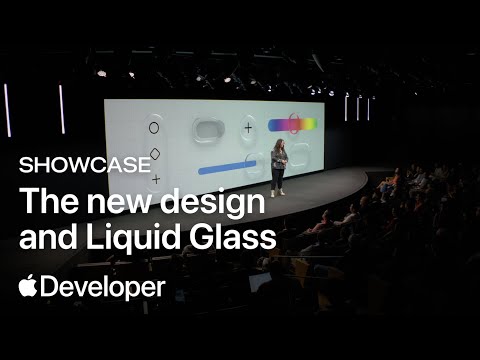
Showcase: Learn how apps are integrating the new design and Liquid Glass | Meet with Apple
Apple Developer· 2025-11-11 21:30
Learn directly from developers about how they implemented the new design and Liquid Glass across Apple platforms. In this series of online presentations by third-party teams like Slack, LTK, and Tide Guide, you’ll find out how developers of all sizes are embracing native design, expressing their brand identities, and quickly and successfully adopting the latest features. This activity also includes a panel discussion with Apple designers. To explore additional sessions, appointments, and workshops, view the ...
Code-along: Start building with Swift and SwiftUI | Meet with Apple
Apple Developer· 2025-11-11 21:22
Technology & Development - The session focuses on teaching the basics of app development using Swift and SwiftUI [1] - Participants will build a simple view from an iOS demo app in Xcode [1] - The session covers adding text fields and photos to capture input and saving information using SwiftData [1] - A complete, interactive interface will be created by the end of the session [1] - The session requires a Mac running macOS Sonoma 140 or later and Xcode 15 or later [1] Resources & Events - Additional sessions, appointments, and workshops are available via the Meet with Apple activities worldwide [1] - Apple Developer resources include video sessions, documentation, and forums [1]
Build your game for Apple platforms #AppleDeveloper
Apple Developer· 2025-11-03 22:07
Want your game to reach one of the largest global gaming audiences. Tune in for a full day of practical insights. Learn how to create compelling player experiences that scale beautifully across every Apple device and bring your game to hundreds of millions of players around the world. ...
Press Start: Game development on Apple platforms | Meet with Apple
Apple Developer· 2025-10-30 23:35
Event Focus - Apple is hosting an all-day online activity streaming from Cupertino focused on game development for iOS, iPadOS, macOS, and visionOS [1] - The event aims to help developers succeed in the Apple ecosystem by leveraging Metal, optimizing for Apple silicon, designing handheld experiences, and navigating the App Store [1] Session Highlights - Morning session (10:00 a.m - 12:30 p.m PT) covers topics like charting a course to Apple platforms, leveling up with Apple game technologies, bringing PC and console games to Mac, power/performance/scale on iPhone and iPad, and designing great interfaces for handheld games [1] - Afternoon session (1:30 p.m - 3:30 p.m PT) focuses on transforming games with Apple Vision Pro, unlocking success with premium games on the App Store, boosting discoverability and engagement with the Apple Games app, and exploring curation and featuring on the App Store [1] Resources and Engagement - Additional sessions, appointments, and workshops are available via the full schedule of Meet with Apple activities worldwide [1] - Apple provides developer resources including video sessions, documentation, forums, and a developer app [1]
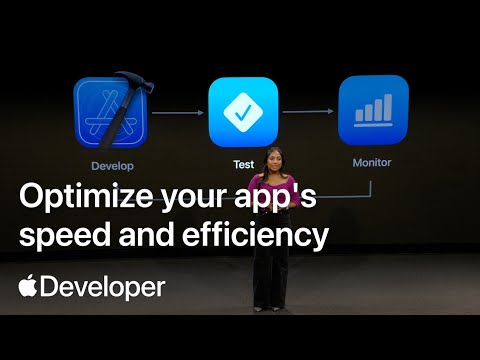
Optimize your app's speed and efficiency | Meet with Apple
Apple Developer· 2025-10-22 22:17
Join us online to learn how to elevate your app experience by maximizing performance and resolving inefficiencies. Whether you’re optimizing an existing app or just starting out, you’ll learn how to improve your app's responsiveness with SwiftUI, monitor performance when using foundation models, and explore ways to reduce your app's battery usage. To explore additional sessions, appointments, and workshops, view the full schedule of Meet with Apple activities worldwide. https://apple.co/Meet-with-Apple More ...
Create immersive media experiences for visionOS #MeetWithApple
Apple Developer· 2025-10-19 22:26
Event Overview - Apple is hosting a two-day event on October 21st and 22nd at the Apple Developer Center in Cupertino [2] - The event focuses on impactful and immersive storytelling for Apple Vision Pro [1] Content Focus - The event will cover new features in visionOS for immersive media [1] - Sessions will teach how to design and build interactive stories and connect people through shared moments [2] - Apple Immersive Video will be a key topic, with in-depth instruction from professionals [2] Access Information - The event can be streamed live on the Apple Developer app, website, or YouTube [2]
IETF HLS Interest Day | Meet with Apple
Apple Developer· 2025-10-08 19:24
Join us for an all-day, online broadcast designed for engineers and professionals working with HTTP Live Streaming (HLS) technologies, such as video encoding, transcoding, CDNs, and playback applications. This event features sessions, community discussions, and a live Q&A with members of the Apple Streaming Media engineering team. Learn about the latest updates to HTTP Live Streaming (HLS) across all platforms, as well as HLS.js, the AVFoundation framework, Immersive Video, and Spatial Audio. To explore add ...
Day 2 | Create immersive media experiences for visionOS | Meet with Apple
Apple Developer· 2025-10-08 19:21
visionOS Development - The document focuses on creating interactive experiences for visionOS, Apple's operating system for spatial computing [1] - It highlights a multi-day activity, including a Day 2 livestream, dedicated to Apple Immersive Video and Apple Spatial Audio [1] - The activity aims to teach developers how to create new media experiences using Apple Immersive Video and explore related production workflows [1] Apple Immersive Video - The document emphasizes getting started with Apple Immersive Video and exploring previous productions using this technology [1] - It suggests that Apple Immersive Video is a key component for creating entirely new media experiences on visionOS [1] Resources for Developers - The document provides links to various Apple Developer resources, including video sessions, documentation, and forums [1] - It also mentions the Apple Developer App as a resource for developers [1]
Day 1 | Create immersive media experiences for visionOS | Meet with Apple
Apple Developer· 2025-10-08 19:17
visionOS Development - The activity focuses on creating interactive experiences for visionOS and capturing immersive video [1] - visionOS 26 helps tell impactful immersive and interactive stories [1] - The activity explores real-world examples from past productions of Apple Immersive Video [1] - The activity covers designing for spatial interaction and making the audience part of the experience [1] - SharePlay and spatial Personas help people connect over ideas [1] Apple Immersive Video & Audio - Day 2 dives deep into Apple Immersive Video and Apple Spatial Audio [1] - The activity explores new production workflows for Apple Immersive Video [1] Resources - Additional resources include video sessions, documentation, and forums [1]