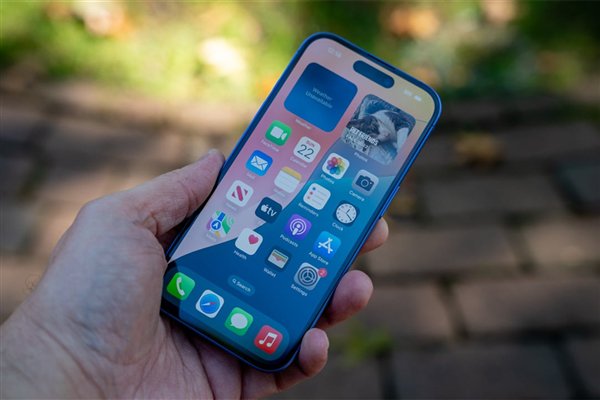
手机系统操作差异

Search documents
网友分享安卓换iPhone后的尴尬瞬间:截屏、关机跟安卓不一样
Xin Lang Cai Jing· 2025-09-02 14:06
Core Points - The trending topic "Awkward Moments After Switching from Android to iPhone" has sparked significant discussion on social media platforms [1] - Users have shared various operational differences between Android and iPhone, highlighting the challenges faced when transitioning from one system to another [1] Summary by Categories User Experience - The first notable difference is the method of accessing the home screen; Android users can swipe up, while iPhone users must swipe from the bottom [1] - For taking screenshots, Android allows a three-finger swipe down, whereas iPhone requires pressing the volume up and power buttons simultaneously, lacking support for long screenshots [1] - Android typically enables users to access the shutdown menu by long-pressing the power button, while iPhone requires pressing both the power and volume buttons to display the shutdown slider [1] - Android supports side-swipe navigation for returning to previous screens, a feature not available on iPhone [1] User Sentiment - Users express that both Android and iPhone have their unique features, emphasizing that the best choice is the one that suits individual preferences [1]