歸藏的AI工具箱

Search documents
手撕Sora,脚踢Veo!13个行业实战案例,Seedance 2.0玩法大全
歸藏的AI工具箱· 2026-02-14 02:06
藏师傅的 Seedance 2.0 测评和教学终于来了,最近大家也看多了 Seedance 2.0 的打斗和剧情大片。 但是视频领域不只有打斗和剧情内容,今天藏师傅就给大家一些 行业和品类解决方案,实打实能帮你赚钱和提高内容制作效率的。 Seedance 2.0 的 API 会在春节后上线火山引擎,支持全模态输入,可直接嵌入工作流和 Agent 管线。前面所有能力,全部可以程序化调用。 先来看第一个案例,提示词就一句话" 生产一个精美高级的兰州拉面广告,注意分镜编排 "。 不只是画质更好运动表现更好的视频模型,它 有知识、有智能、有导演思维 。 全能参考 : 支持上传任何模态的内容进行参考,除了文本外还包括 9 张图片、3 段视频、3 段音频,你可以让他在某个部分完全保留这些素材,也可以 只提取素材中的某些元素。 有智能 : 具备导演思维,会自己编排分镜、选择镜头语言、控制叙事节奏。给它一段小说,它自己知道该怎么分镜。 有知识 : 自带世界知识,知道兰州拉面怎么做、无印良品是什么调性、高位下拉练的是背阔肌。不需要在提示词里写百科全书。 我没有写任何关于揉面、拉面、浇汤的描述,没有说用慢动作拍面条,模型自己全部 ...


Agent 原生通讯协议:从传递代码,到传递认知
歸藏的AI工具箱· 2026-02-11 10:53
Core Insights - The article discusses the emergence of AI Agents communicating through GitHub, transforming it into a communication protocol for Agents [3][4] - The author highlights the limitations of the existing Git system, particularly its inability to capture the reasoning behind code changes, which is crucial in the Agent era [8][9] - Entire, a new company founded by former GitHub CEO Thomas Dohmke, aims to build a developer platform on Git that addresses these limitations by adding semantic metadata to Git commits [5][10] Group 1: Observations on Agent Communication - AI Agents are increasingly interacting with each other through GitHub Issues and Pull Requests, creating a natural communication flow without explicit design [2][3] - The existing Git infrastructure is inherently suitable for Agent communication, as it provides a mature collaborative framework [4][6] Group 2: Entire's Innovations - Entire's first product, Checkpoint, enhances Git by adding a layer of semantic metadata that captures the reasoning behind code changes, thus addressing the "why" behind modifications [10][14] - Checkpoint records not only the code changes but also the original prompts, reasoning chains, and constraints, making the Agent's thought process transparent and traceable [11][14] Group 3: Paradigm Shift in Development - The traditional development process focuses on code correctness, while the new paradigm emphasizes reviewing the reasoning and decision-making processes of Agents [20][21] - Developers' roles are shifting from writing code to supervising and evaluating the cognitive processes of Agents, marking a significant change in responsibilities [20][33] Group 4: Future Implications - Entire's vision extends beyond a mere development tool; it aims to establish a new communication protocol for Agents, akin to how HTTP functions for human users [22][23] - The need for a structured communication system among Agents is critical, as the future of software development will increasingly rely on Agent collaboration [23][25] Group 5: Challenges and Solutions - While Checkpoint addresses the issue of retaining information, challenges remain regarding the efficient retrieval of relevant context from potentially vast amounts of data [29][31] - Entire plans to introduce a Context Graph for semantic reasoning and an AI-native development lifecycle to facilitate real-time coordination among Agents [31][32]
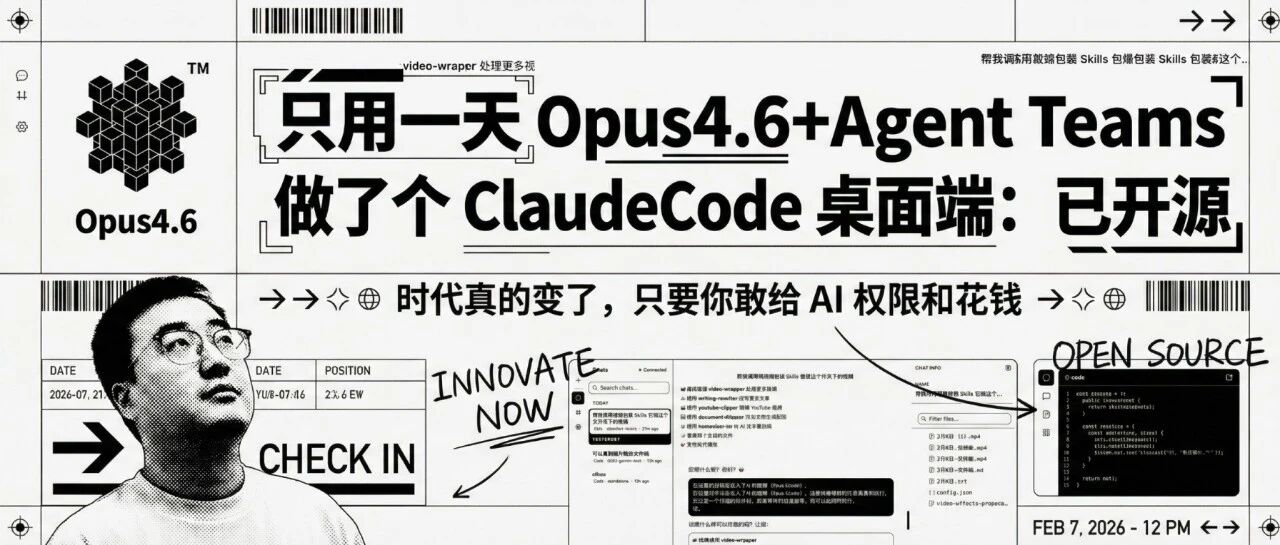
只用一天Opus4.6+Agent Teams做了个ClaudeCode桌面端:已开源
歸藏的AI工具箱· 2026-02-07 05:14
Core Insights - The article discusses the launch of CodePilot, a desktop client for Claude Code, highlighting its comprehensive features and user-friendly design [1][3]. Group 1: Key Features of CodePilot - CodePilot supports all core functionalities of Claude Code, including folder selection, model switching, slash commands, Skills invocation, and MCP server integration, providing a significantly improved user experience [3]. - The client offers enhanced chat history management, allowing users to easily access previous conversations, with each message displaying the associated cost for transparency [5][6]. - A visual configuration management interface has been introduced, enabling users to modify configuration files, Skills, MCP, and plugins without needing command line interaction [8]. - Users can preview the contents of folders directly within the application, making it easier to access text files and other resources [9]. - Third-party API configurations are supported, allowing flexibility for users who may not have direct access to the official API [11]. - The connection status of Claude Code is clearly displayed, providing guidance for users in case of connectivity issues [13][14]. Group 2: Agent Teams Collaboration - The article introduces the Agent Teams mode, which allows a main intelligent agent to delegate tasks to multiple sub-agents, enabling parallel work and real-time communication between agents [19][20]. - Enabling Agent Teams is straightforward, requiring users to update to the latest version of Claude Code and follow simple instructions to configure it [21]. - Tips for utilizing Agent Teams include having Claude assist in writing planning prompts, emphasizing the importance of preliminary research for role definition, and advocating for flexible role design tailored to specific tasks [23][25][27]. - The article emphasizes that the current era allows for rapid development of fully functional applications, with the use of Opus 4.6 proving to be cost-effective due to its efficiency and reduced need for corrections [30][31].
Clawdbot 教程 02:如何集成飞书,完全国产化!
歸藏的AI工具箱· 2026-02-05 04:36
Core Viewpoint - The article outlines a comprehensive guide for configuring Clawdbot with Feishu, emphasizing the ease of using domestic models and the entire process being fully localized [2][35]. Group 1: Initial Setup - The first step involves creating a new bot application in the Feishu developer backend, which includes filling out the application name, description, background color, and icon [5]. - After creation, two key pieces of information, App ID and App Secret, must be noted for later configuration [6][7]. Group 2: Permission Configuration - The next step is to configure the bot's permissions by importing a JSON configuration that grants necessary access rights for message reception and sending [8][10]. - The permissions include various access rights such as reading and writing files, sending messages, and accessing chat events [9]. Group 3: Bot Activation - In the bot configuration page, a welcome message must be inputted to activate the bot's capabilities, which is essential for receiving messages [11]. Group 4: Clawdbot Configuration - The second step involves configuring the Feishu channel in Clawdbot, which requires running an installation command and selecting the Feishu option [14]. - If issues arise, such as a plugin already existing, manual deletion of the plugin folder is necessary before re-running the installation command [16]. - A known bug may require global installation of the zod dependency to proceed with the configuration [19]. Group 5: Final Configuration Steps - After filling in the required configuration information, it is crucial to select "Finished" to ensure successful addition [20]. - The configuration of direct message access policies is also necessary, with recommended settings for user interaction [24]. - Restarting the gateway is required to apply the new channel configuration [26]. Group 6: Event Subscription and Version Publishing - The final steps include configuring event subscription methods and adding the message receiving event to ensure the bot can receive messages [27][29]. - Publishing a version is essential for the bot's configuration to take effect [31][32]. Group 7: Pairing the Bot - The last step involves pairing the bot by sending a message to it in Feishu to receive a pairing code, which is then used to bind the bot in Clawdbot [34]. - Once configured, the Feishu bot will function correctly, especially when using domestic models [35].

Clawdbot 教程 01:模型的配置和切换
歸藏的AI工具箱· 2026-01-31 17:19
Core Viewpoint - The article provides a detailed guide on configuring the Clawdbot model on Macmini, highlighting common issues and solutions during the setup process. Configuration Process - The preferred method for configuration is using the command `openclaw configure`, which resolves most issues [6][7]. - During the configuration, users are prompted to select between local or remote setup, choose the model, and input their API Key [9]. Model Selection - There are specific selections for models: for Minimax M2.1, select Minimax; for Kimi K2.5, select moonshot AI [11][12]. - After selecting a model, users should navigate through options using the arrow keys to find the highlighted selection [13]. - Kimi has a coding plan option, while Minimax does not, even if the user has a coding plan membership [14]. Domestic and International Versions - A critical point is the distinction between domestic and international versions of Minimax; users must select 'cn' for domestic coding plan members and the version without 'cn' for overseas members [16]. - Incorrect selections can lead to configuration issues, which can be rectified by manually editing the configuration file [17]. Configuration File Editing - The configuration file is located at `/Users/your_username/.openclaw/openclaw.json`, where users can modify the `baseURL` [18]. - The correct URLs are: domestic version - `api.minimaxi.com`, international version - `api.minimax.io` [23]. Model Switching - After configuration, switching models is straightforward using the command `/model` in the TUI interface, which is initiated with `openclaw tui` [27]. - It is advisable to open a new window with the `/new` command before switching models to avoid issues [29]. Output Issues - The "no output" problem may occur after switching models, indicating that the output is directed to another environment rather than a configuration failure [30]. - Users should check other environments, such as web platforms, to confirm successful configuration [31]. Supported Models - The Clawdbot currently supports three major domestic models, all of which have been successfully configured: Kimi (domestic version), Minimax (international version), and GLM (international version) [34]. Summary of Configuration Steps - The core steps for configuring Clawdbot models are: use `openclaw configure`, manually edit the `baseURL` if necessary, and switch models using the `/model` command [37].
AI 互动游戏的 GPT 时刻到了!谷歌Genie 3首测!太牛了!
歸藏的AI工具箱· 2026-01-29 18:33
Core Viewpoint - Google has launched Genie 3, a world model capable of generating interactive video content in real-time at 24 frames per second and 720P resolution, which maintains consistency for several minutes [1][2][3]. Group 1: Features of Genie 3 - Genie 3 allows users to create and remix worlds, providing a high level of control over character movement and environmental interaction, with low latency even under high delay conditions [8][9][10]. - The model demonstrates impressive physical interactions, such as realistic character movements and consistent environmental stability during gameplay [12][19]. - Users can customize worlds and characters through a user-friendly interface, allowing for a wide range of creative possibilities [22][25]. Group 2: User Experience and Potential - The experience of using Genie 3 is described as highly engaging, with users expressing excitement about the potential for AI-driven interactive gaming and video content [5][30]. - The platform is seen as a significant advancement in gaming technology, making it accessible for more users to create their own game worlds and narratives [32][33]. - There is an anticipation for future updates that could enhance the capabilities of Genie 3, particularly in terms of computational power and the addition of random events [33][34].

告别 AI 土味审美!Kimi K2.5 实测:扔个视频复刻 iOS 级丝滑动效
歸藏的AI工具箱· 2026-01-27 10:37
Core Insights - Kimi has launched its K2.5 model, which features enhanced aesthetic capabilities and supports multimodal recognition for videos, significantly improving the visual quality of AI-generated web pages [1][5][32] Group 1: Design Capabilities - K2.5 can better adhere to design drafts and prompts, making it easier for designers to realize their visions [8] - For non-designers, K2.5 simplifies the process by allowing users to input content without needing to find attractive design references [8] - The model has shown proficiency in replicating complex interactive components, such as a tab-switching interaction video, demonstrating its advanced multimodal and code generation capabilities [9][17] Group 2: Iterative Design Process - The iterative process with K2.5 allows for easy feedback through screenshots and annotations, leading to quick adjustments and refinements [13][19] - After several iterations, K2.5 successfully recreated a smooth animation effect for a card component system, showcasing its ability to handle multiple card types and animations [30][31] - The model can generate a design system website based on specific prompts, indicating its capability to create comprehensive design specifications [46][49] Group 3: Performance and Limitations - K2.5's performance is notably enhanced in the Agent mode, which allows for higher task completion rates by utilizing virtual machines and various tools [39] - Despite significant improvements, K2.5 still struggles with capturing precise design details, such as small corner radii and specific color values, which remains a challenge for multimodal models [66][68]
你们问了一万遍的票据风图片提示词,它终于来了!
歸藏的AI工具箱· 2026-01-21 10:21
Core Viewpoint - The article introduces a new skill for generating images and covers for articles, emphasizing its utility in content production and the various styles available for image generation [3][8]. Functionality Overview - The skill supports analysis of any document format in the current folder and can generate images in bulk for each section [5]. - It includes three built-in styles: ticket style, vector illustration style, and gradient glass card style, allowing users to choose their preferred image style [8]. - Users can select image resolution (2K, 4K) and aspect ratio (16:9, 3:4), and can opt for a summary cover image [10]. Usage Instructions - Installation of the skill can be done via terminal using a specific command, followed by entering an API key from AI Studio [11][12]. - After installation, users can interact with the AI to generate images based on their document content and preferences [13][14]. Design Style Requirements - The article outlines specific design style requirements for generating a cover poster, including the use of varying font sizes, a black-and-white color scheme, and a layout reminiscent of tickets or boarding passes [17]. - It emphasizes the importance of visual flow, whitespace, and the integration of Eastern and Western design aesthetics [17]. Conclusion - The article encourages readers to explore the GitHub project for the skill and engage with the content by liking or sharing [18][19].

小白 Vibe Coding 发行全平台&可变现应用指南
歸藏的AI工具箱· 2026-01-20 11:44
Tip Youware 更新的 Youbase 和 Coview 能力非常牛皮,直接 把 Vibe Coding 门槛拉低一万倍 。 主要介绍我用 Youware 开发的 AI 日记软件,并以这个为例教大家使用 Youware 最近上线的 Coview 和 YouBase 能力构建具体完整能力和可变现的应用。 前段时间看到了马伯庸说自己重新开始写日记了,还分享了自己的日记方式。 我发现他写日记的方式跟 Karpathy 分享的笔记方式很像。 很多朋友现在还在用,没想到粘性这么高。 都是 Append-only 模式,只记录事实,不打标签、不分类,摩擦很低,可以极大的提高记录的积极 性。 我发现这种单文件的记录方式其实非常适合 AI 时代: 只有一个文件、只有事实导致即使一年的记录也只有几万字,都达不到常见模型上下文长度。 可以方便的把一整年的日记拿给 AI 分析,相当于属于你自己的 ChatGPT 记忆,任何模型都能用。 刚好那几天 Youware 上线了 YouBase 的 AI 后端和数据库 服务。 我就在想能不能做一个践行这种日记方式的应用,给我自己用。 没想到真的搞了一个全平台的完整产品 Vibe D ...

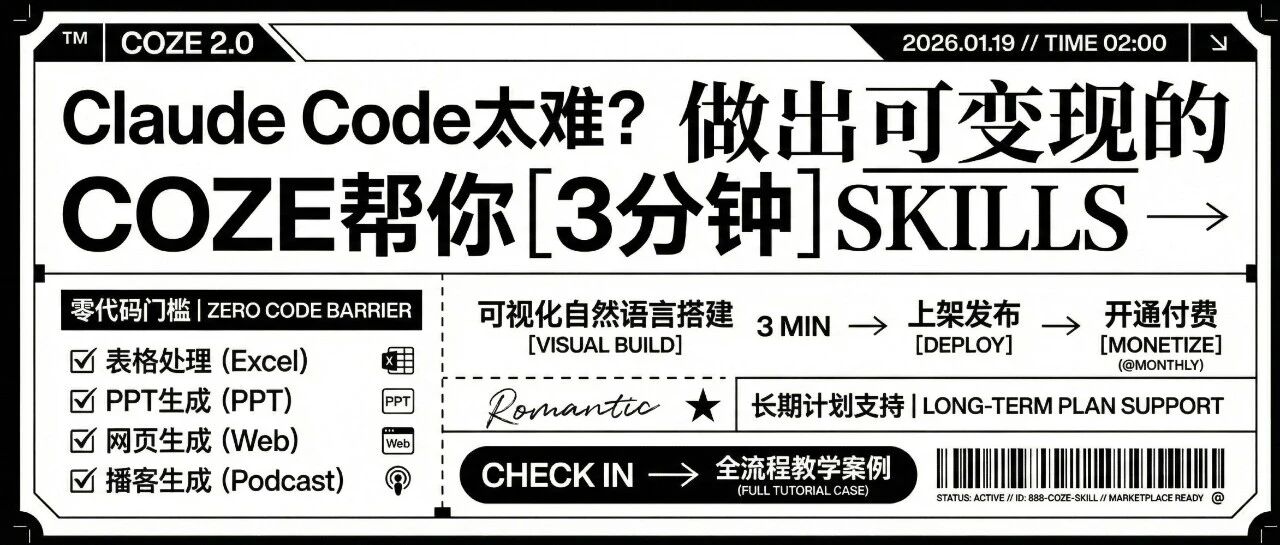
Claude Code太难?Coze帮你3分钟做出可变现的 Skills
歸藏的AI工具箱· 2026-01-19 10:06
最近 Claude Code 和 Skills 非常火,但想靠 AI Skills 变现?现实很残酷: 教一下 在哪里找技能 、怎么用自然语言做技能 、怎么部署上架并开通按月付费 。顺便介绍一下其他能 力。 技能(Coze Skill)的使用 首先是 Skills 的是使用部分,其实你不需要新建 Skills,这次 Coze 做了非常多官方的技能以及上线了一 个技能商店。 他们将原来的表格处理、PPT 生成、网页生成、播客生成都打包成了官方的技能,你可以在首页输入 框下方调用。 Coze 2.0 的更新,就是在解决这些问题: 如何让有认知的人,不需要工程能力,也能参与 AI 生态的价值分配? 同时他们还更新了一个长期计划能力帮你指定计划监督你执行,同时给你非常多相关计划信息和上下文 的帮助。 安装 CLI 工具就能消耗半天 调试 API 调用时,总是莫名其妙报错 好不容易做出来,却不知道怎么让别人用到 | ■ 凝重计划制定任务 ▼ | | ○ 对话 归 日程 □ 文件 | | | | | | | --- | --- | --- | --- | --- | --- | --- | --- | | 有更新叮咚!我 ...